Event Sources
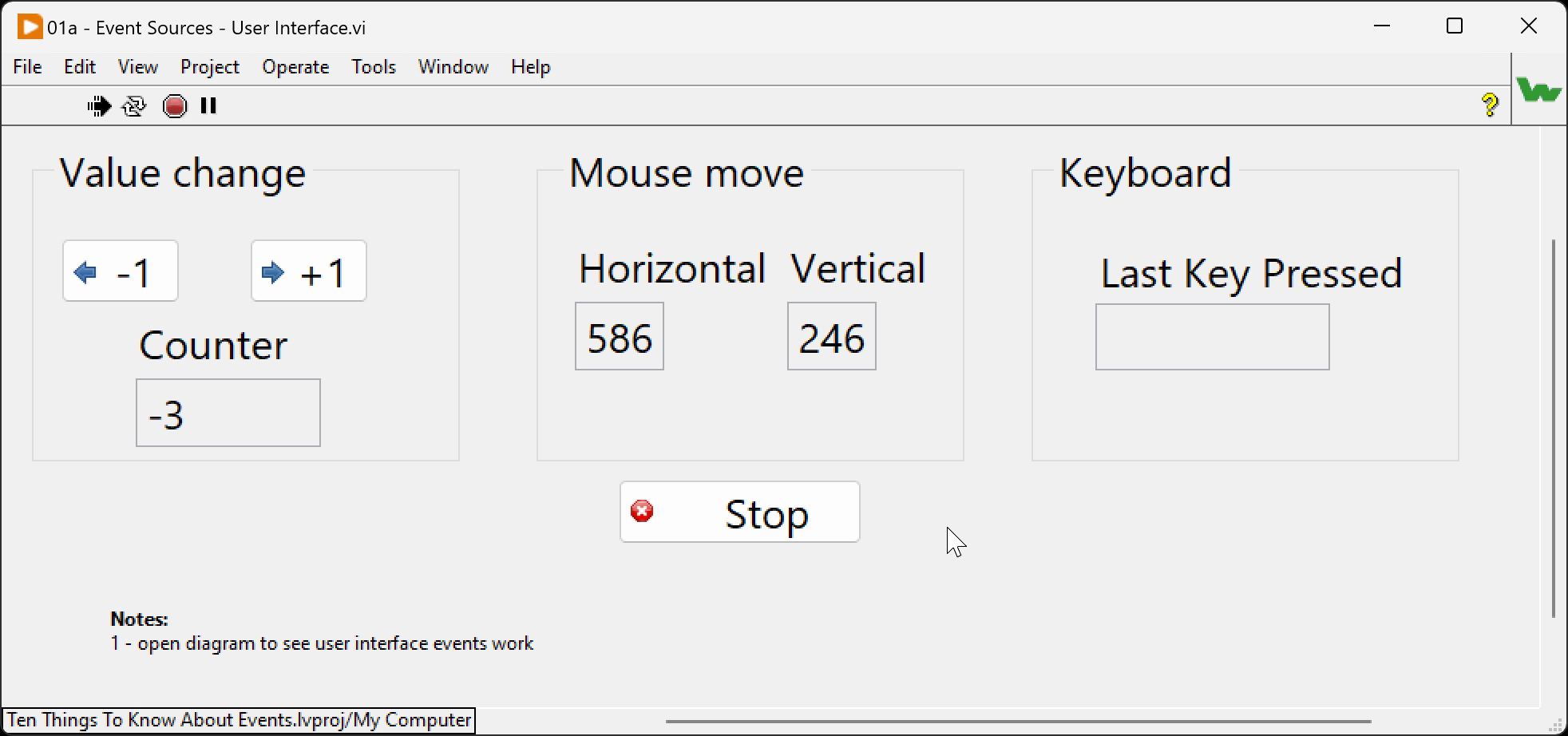
User Interface
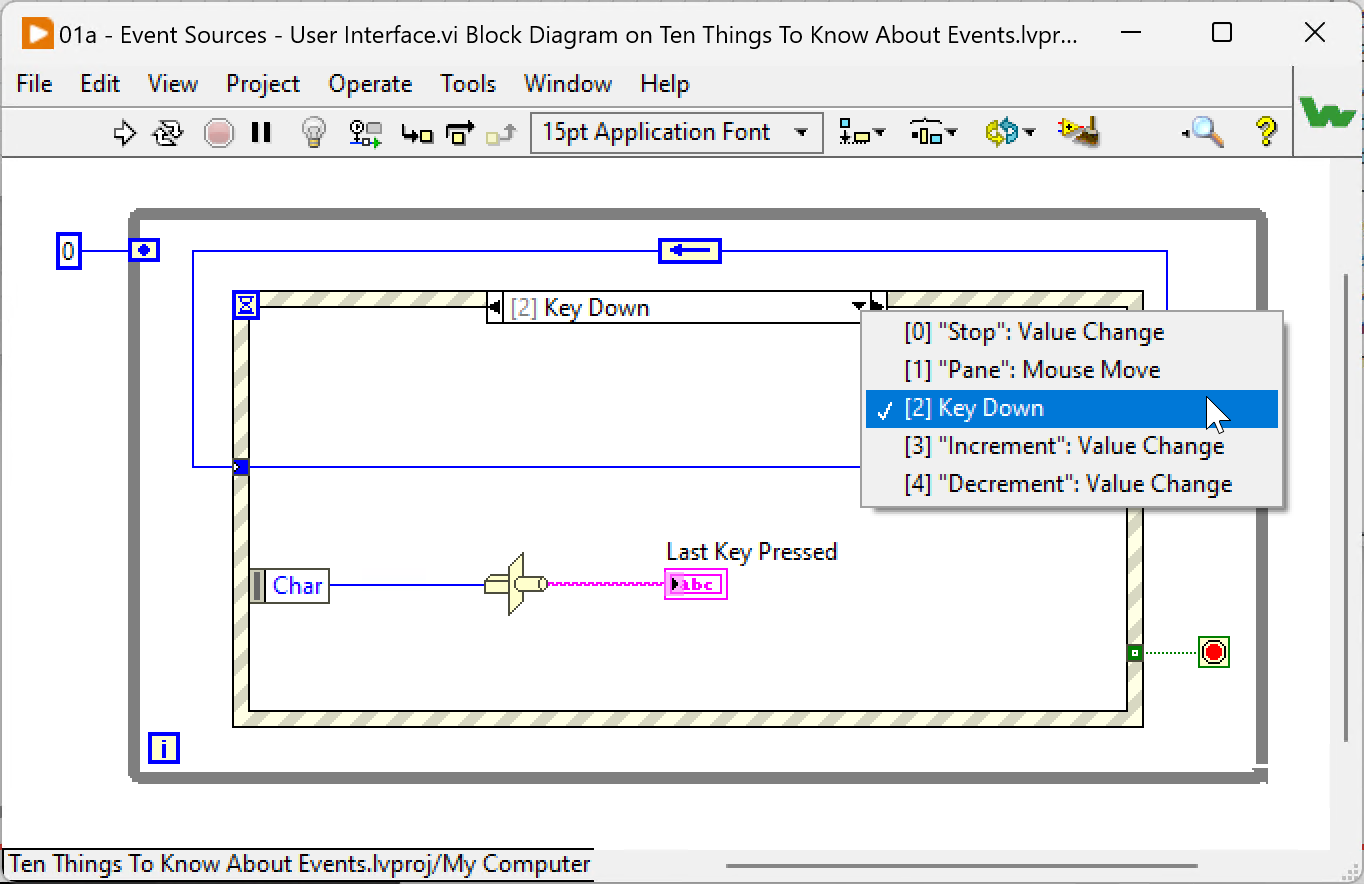
The first source of events you come across when starting with LabVIEW™ is the events generated by the UI when a user of your application uses the mouse or the keyboard.
The Event Structure is the way to detect the event and execute the appropriate code.
| Before the introduction of the Event Structure (a long time ago), LabVIEW developers had to periodically poll controls to detect interactions with the User Interface 😓. |
Example code: 01a - Event Sources - User Interface.vi
User Events a.k.a Custom Events
User Events, the worst-named feature in LabVIEW™
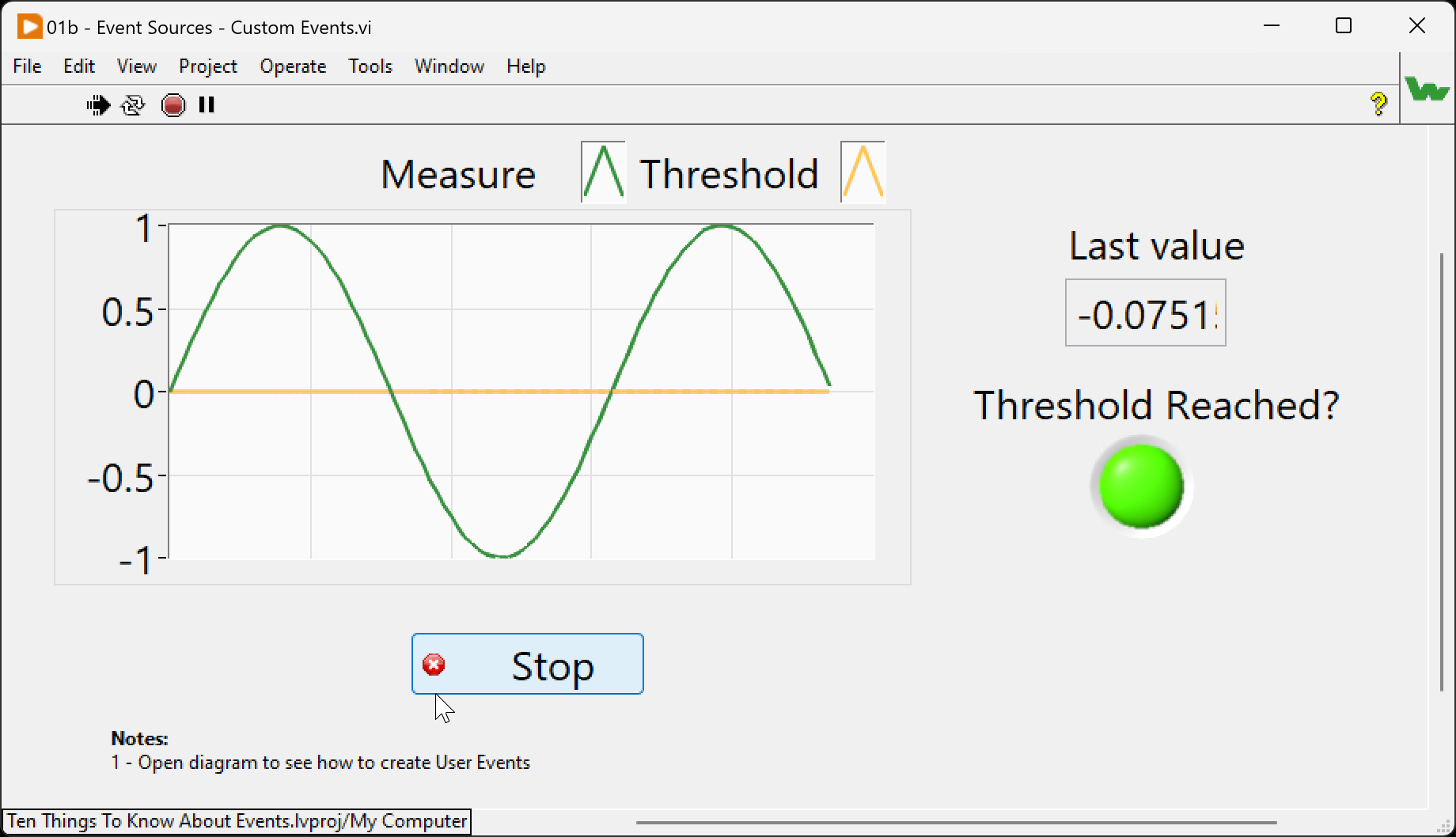
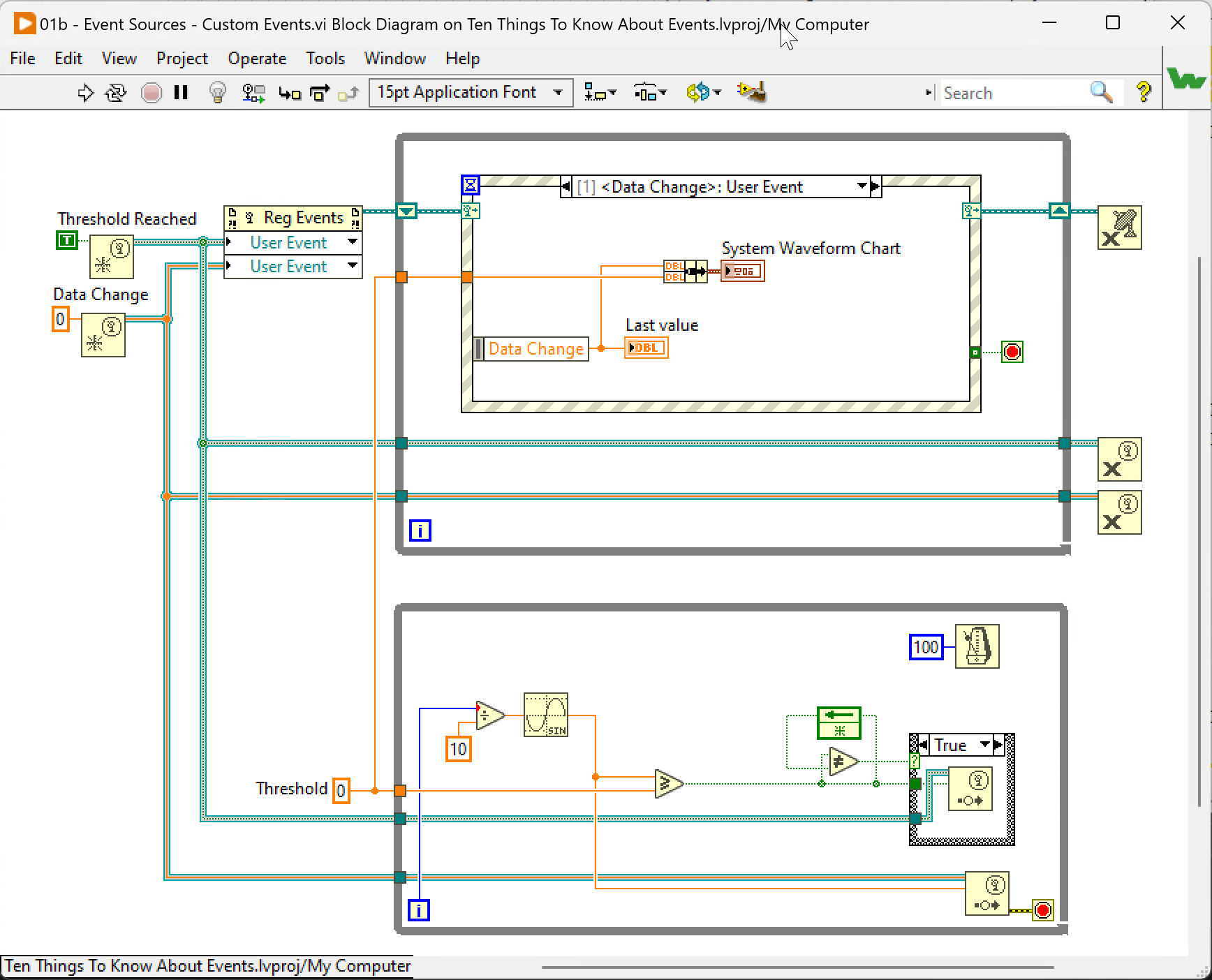
Behind this name, you’ll find the way to create and generate events programmatically.
| This source of events is the cornerstone of many event-driven architectures. The DQMH framework is probably one of the most popular frameworks based on the LabVIEW™ user event feature. |
Example code: 01b - Event Sources - Custom Events.vi
Event Callback
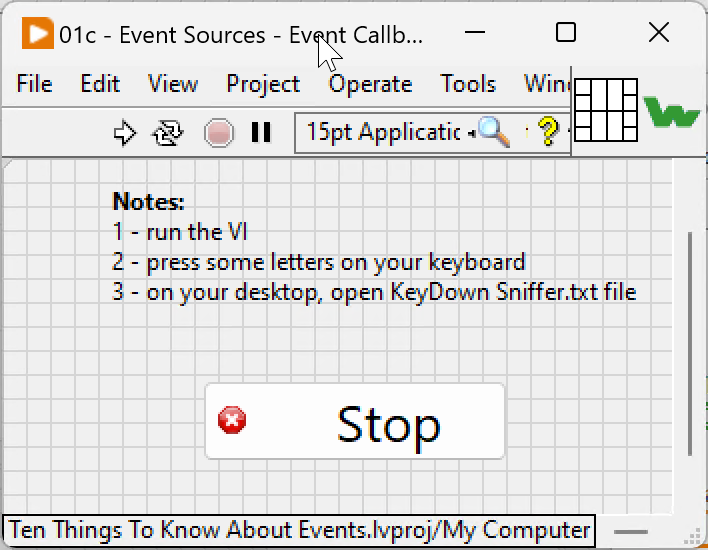
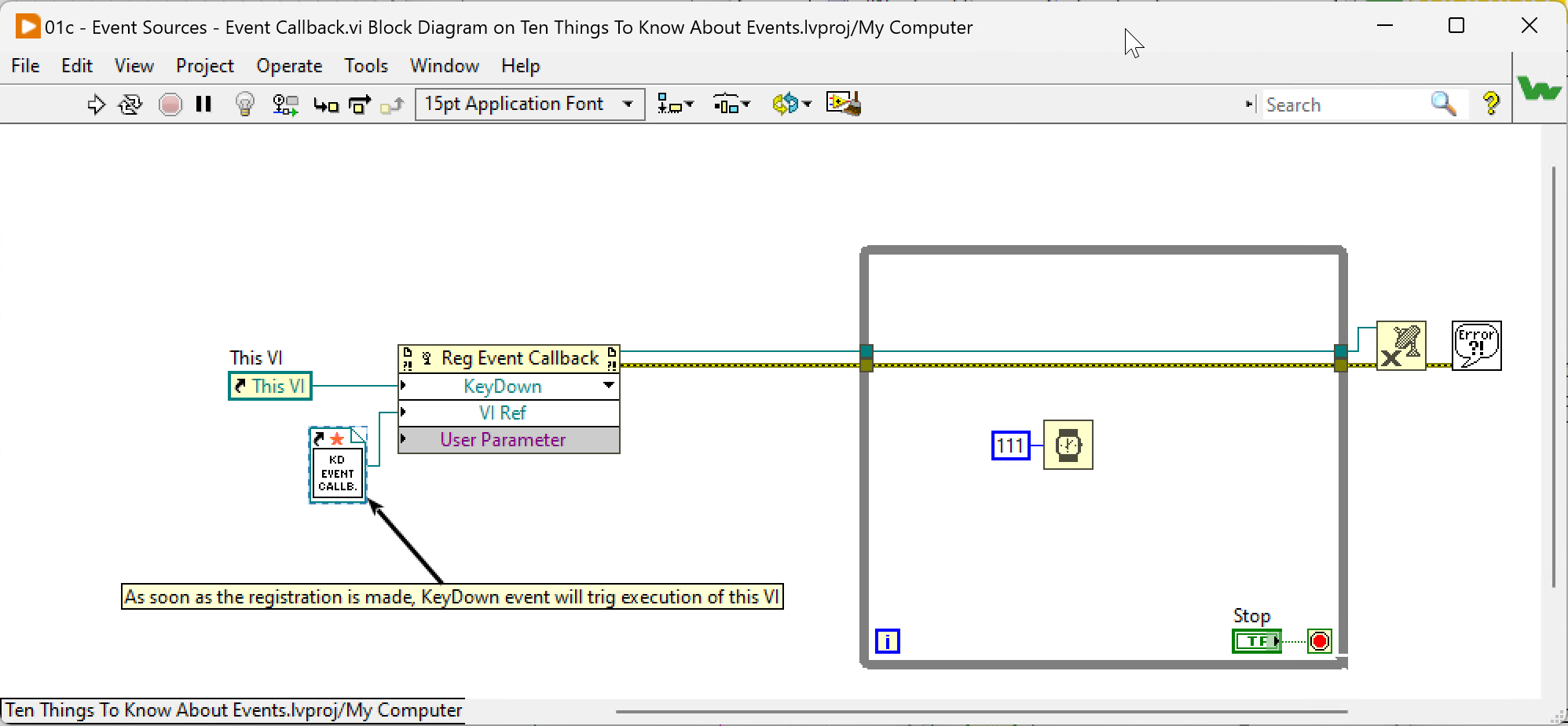
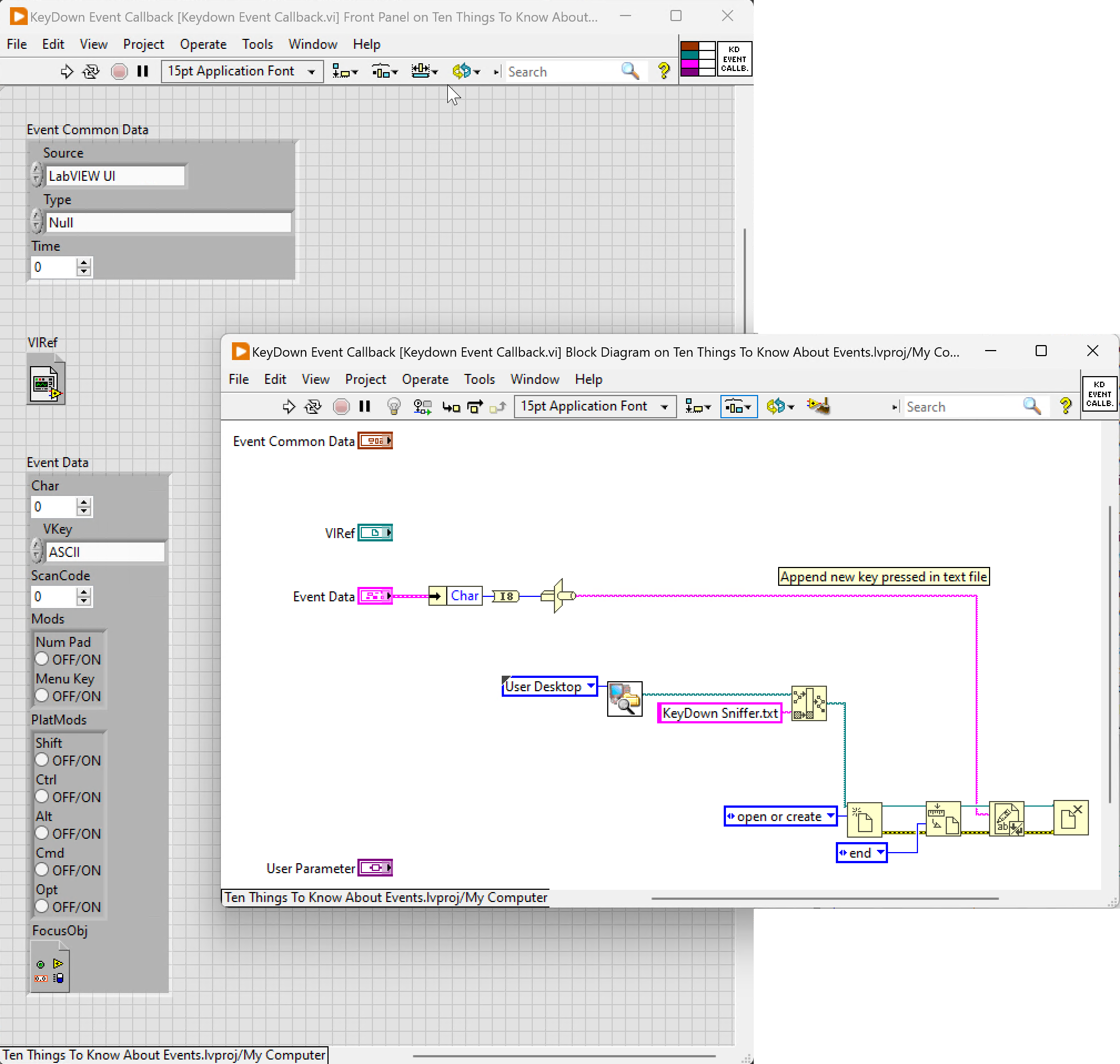
This source of event doesn’t involve the use of an Event Structure. Once registered to an event, the Callback VI is executed each time the event occurs.
| This kind of event breaks the usual data flow we are used to |
Example code: 01c - Event Sources - Event Callback.vi
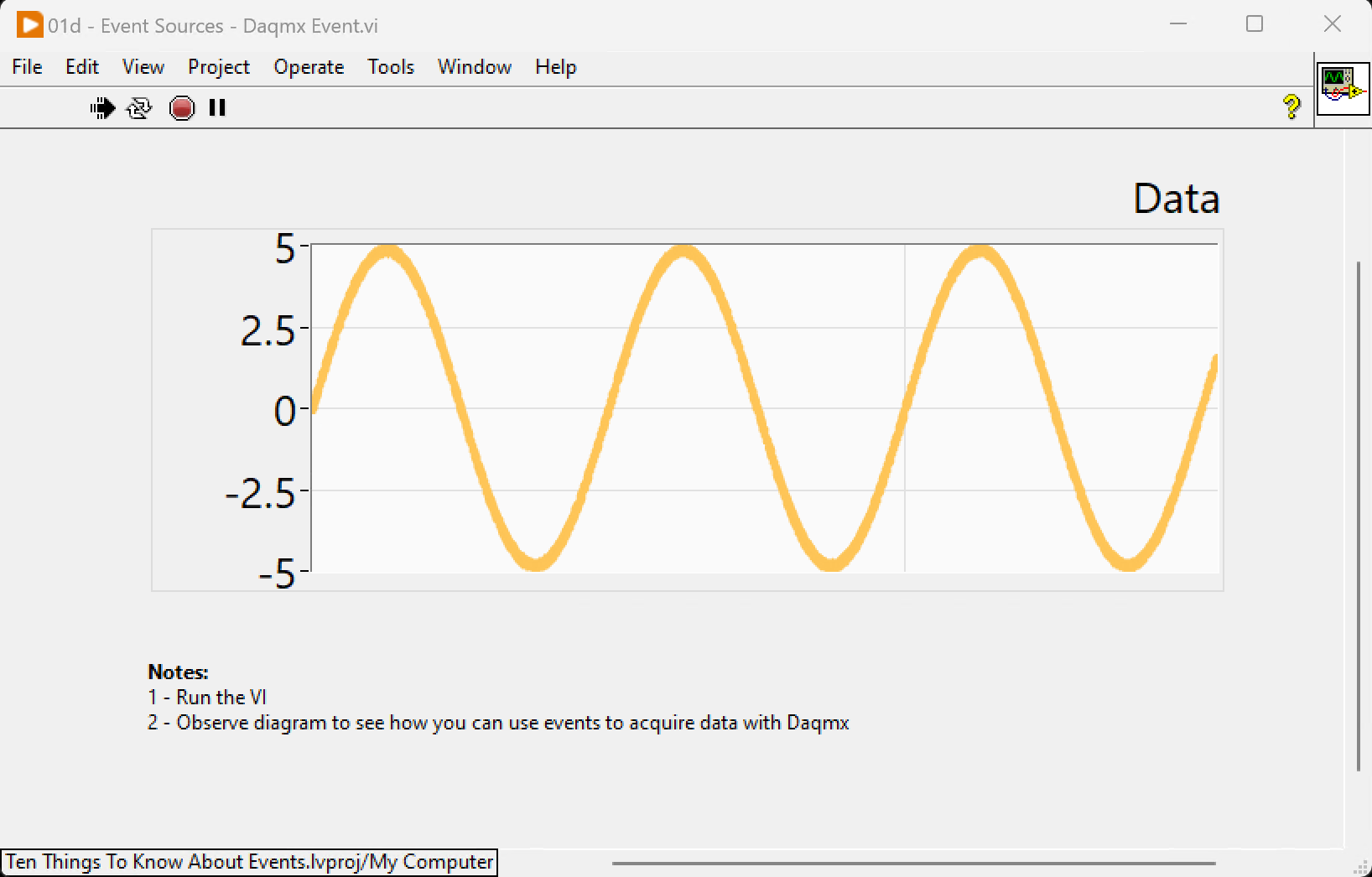
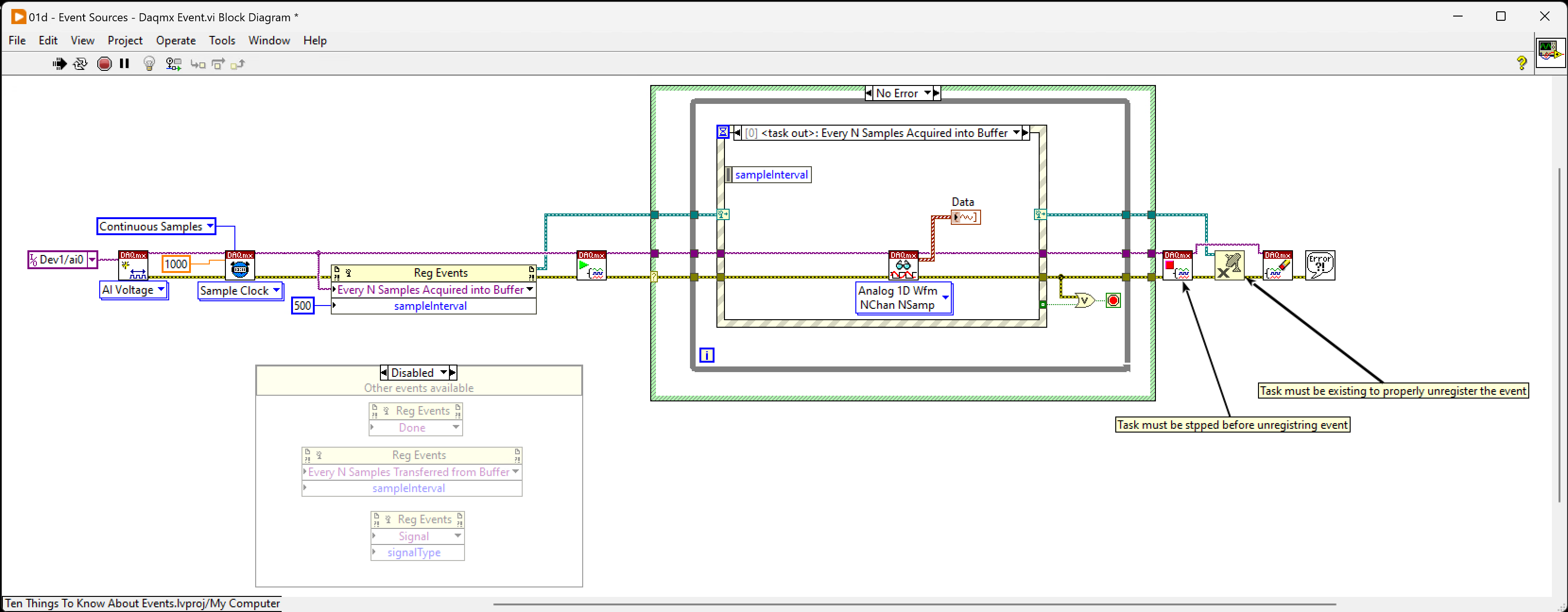
Daqmx
This source of the event is probably the least known. With it, you can handle acquistion event in the Event Structure. It makes the use of other event sources in the loop that handle acquisition straightforward.
| This example requires the NI Daqmx driver to be executed. |
Example code: 01d - Event Sources - Daqmx Event.vi